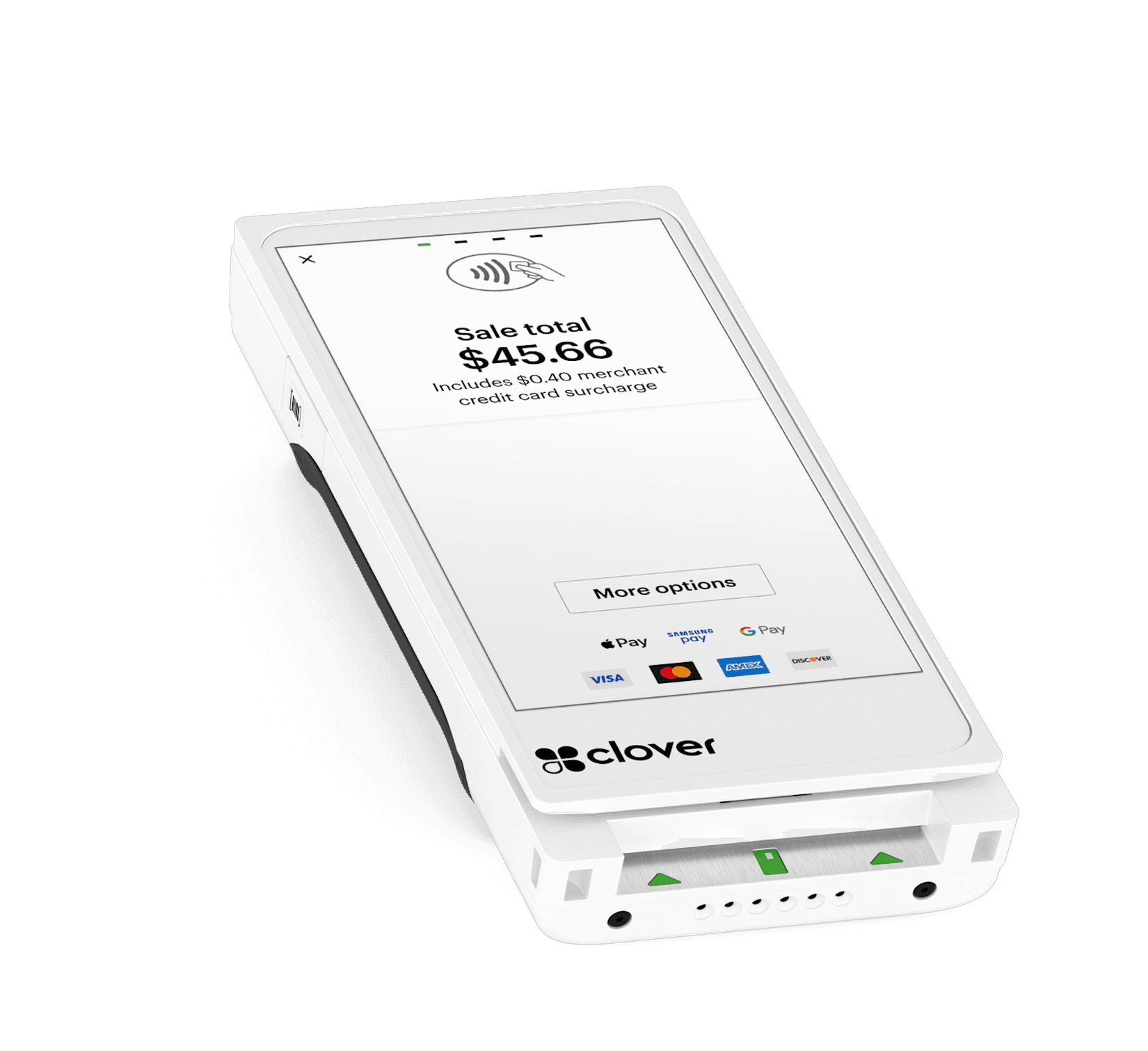
Clover Flex Pocket
A full point of sale that fits in your back pocket.
The Clover Flex Pocket takes payments anywhere. It is 25% lighter than the original Flex, carries easily in your hand, apron or back pocket, and syncs seamlessly with every other Clover device on your account. Fire restaurant orders tableside, scan barcodes from the retail floor, and send receipts by email or text.
Get Your Free Quote
Answer a few questions -- takes 30 seconds
What type of business do you own?
Lightweight by design
At 25% lighter than the original Flex, the Pocket is built to be carried through a full shift without becoming a burden. There is no charging cradle and no printer, which is exactly what lets it disappear into an apron.
Powerful portability
Fire restaurant orders tableside, scan barcodes from the retail floor, or email a receipt after a service call. The Pocket does the work of a counter terminal wherever the customer happens to be standing.
Part of the same system
Flex Pocket syncs over the Clover cloud with every other device on your account. You can open, manage and take payment for the same order across multiple devices, so adding one to an existing setup takes minutes.
Real-time insight
Track sales, inventory and staff performance from your computer or phone. Categories, labels, modifiers and variants keep the catalogue organized, and permission levels keep the right people in the right screens.
Flex or Flex Pocket: which one fits
Both devices move with you, accept contactless payments, fire orders tableside, help bust lines and pair with other Clover hardware. The difference comes down to receipts and power. The Flex is slightly heavier, charges on a cradle and has a built-in printer; the Pocket is lighter, charges over USB-C and sends receipts digitally. If your customers expect a paper receipt in hand, choose the Flex. If email or text suits them, the Pocket is the lighter tool.
No printer, no problem
Digital receipts go out by text or email the moment the sale closes, which removes paper rolls from your supply list entirely. When a customer does want something printed, the Pocket connects to any other Clover device on your account and prints from there.
Battery you can plan a shift around
The Pocket averages at least eight hours of use, which covers a full service without a mid-shift swap. The battery is replaceable, so a device that has been in daily use for years does not have to be retired over a worn cell.
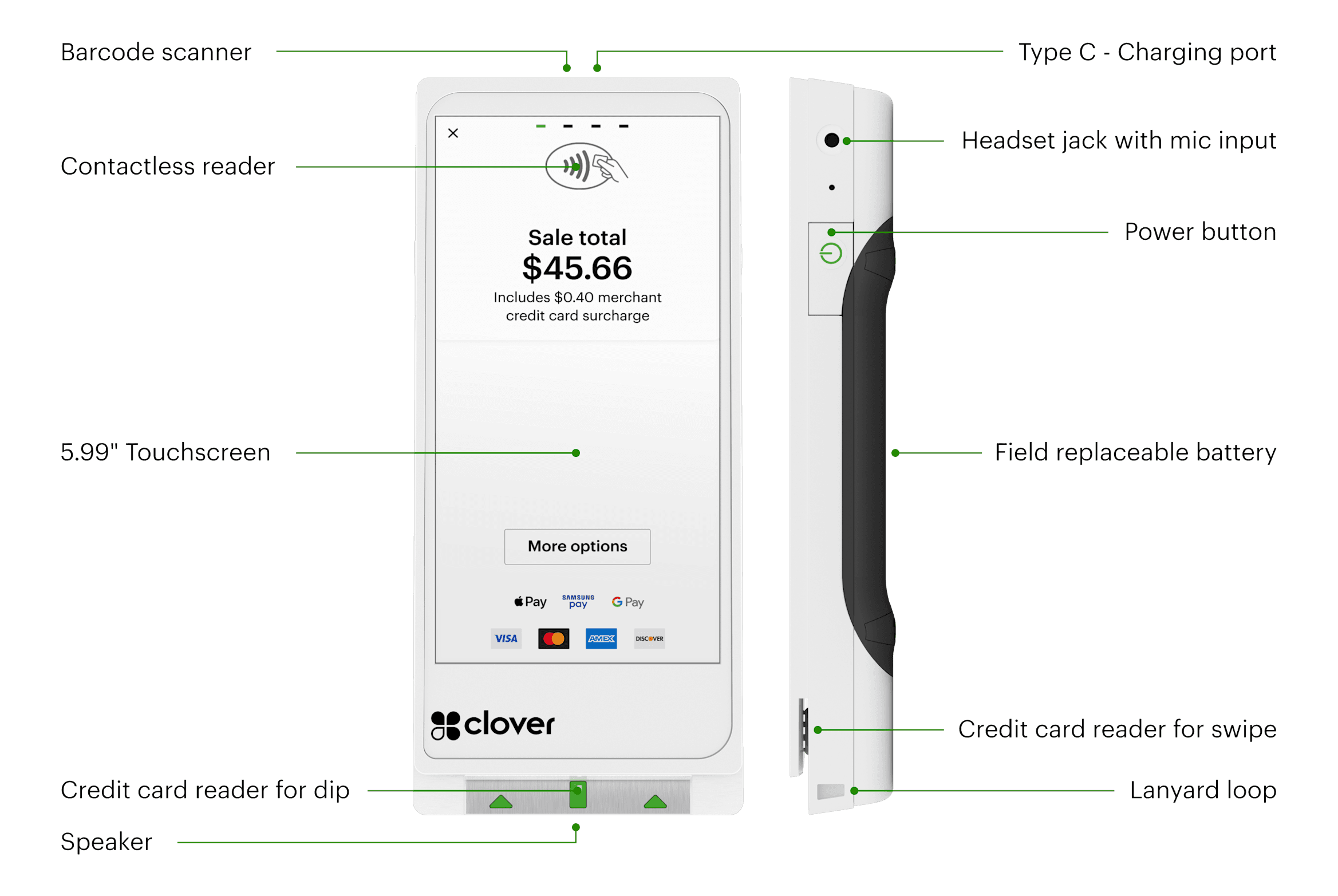
Technical Specifications
- Display
- 5.99-inch LCD colour touchscreen
- Battery
- At least 8 hours of average use, USB-C charging
- Connectivity
- WiFi, LTE
- Camera & Scanner
- 1D/2D barcode scanner and camera
- Payment Methods
- Swipe, dip, tap and contactless, including mobile wallets
- Security
- Clover Security end-to-end encryption
Why merchants switch to Optimum
The same hardware everyone else sells, with the rate, the setup and the support that actually make a difference.
Rates as low as 0.87%
Among the lowest processing rates in Canada, with next-day deposits into your bank account.
Free next-day delivery
After approval, your terminal ships the next business day at no charge, set up and ready to use.
90-day trial, no risk
Take 90 days to confirm your choice, and we put up to $500 toward the cancellation fees of your current provider.
24/7 bilingual support
A real support team, in English and French, picks up the phone whenever you need help.
Works great for
Restaurants
Tableside ordering and payment, digital floor plans, split bills and kitchen display sync — built for turnover.
Quick Service
Counter speed, self-serve kiosk, takeout station and orders fired straight to the kitchen at peak hours.
Retail
Inventory with variants, barcode scanning, loyalty programs and multi-location reporting from one point of sale.
Beauty & Wellness
Appointments, booking deposits, packages, memberships and tips assigned to the right employee.
Ready to Start Saving?
Smart payment terminals at the lowest rates in Canada. Get a free personalized quote today.